
The AI video generation space has changed more in the past twelve months than in the three years before it. What used to produce shaky five-second clips with warped faces is now a legitimate production tool. For a broad overview of the current landscape, Best AI Video Generators in 2026 is a solid starting point before diving into this head-to-head comparison.
Studios use AI video for pre-visualization. Solo creators ship entire short films with it. Marketers generate product demos without booking a single shoot. The market has also fractured across a dozen serious platforms, each with different strengths and pricing models. This guide breaks down what each major tool actually delivers in April 2026, based on output quality, control, speed, and practical use cases.
The Photorealism Leaders: Kling AI 3.0 and Google Veo 3.1
If your primary goal is output that looks like it was shot on a camera, two platforms currently sit above the rest. Both are covered in depth alongside the third major contender in the Sora 2 vs Google Veo 3 breakdown.
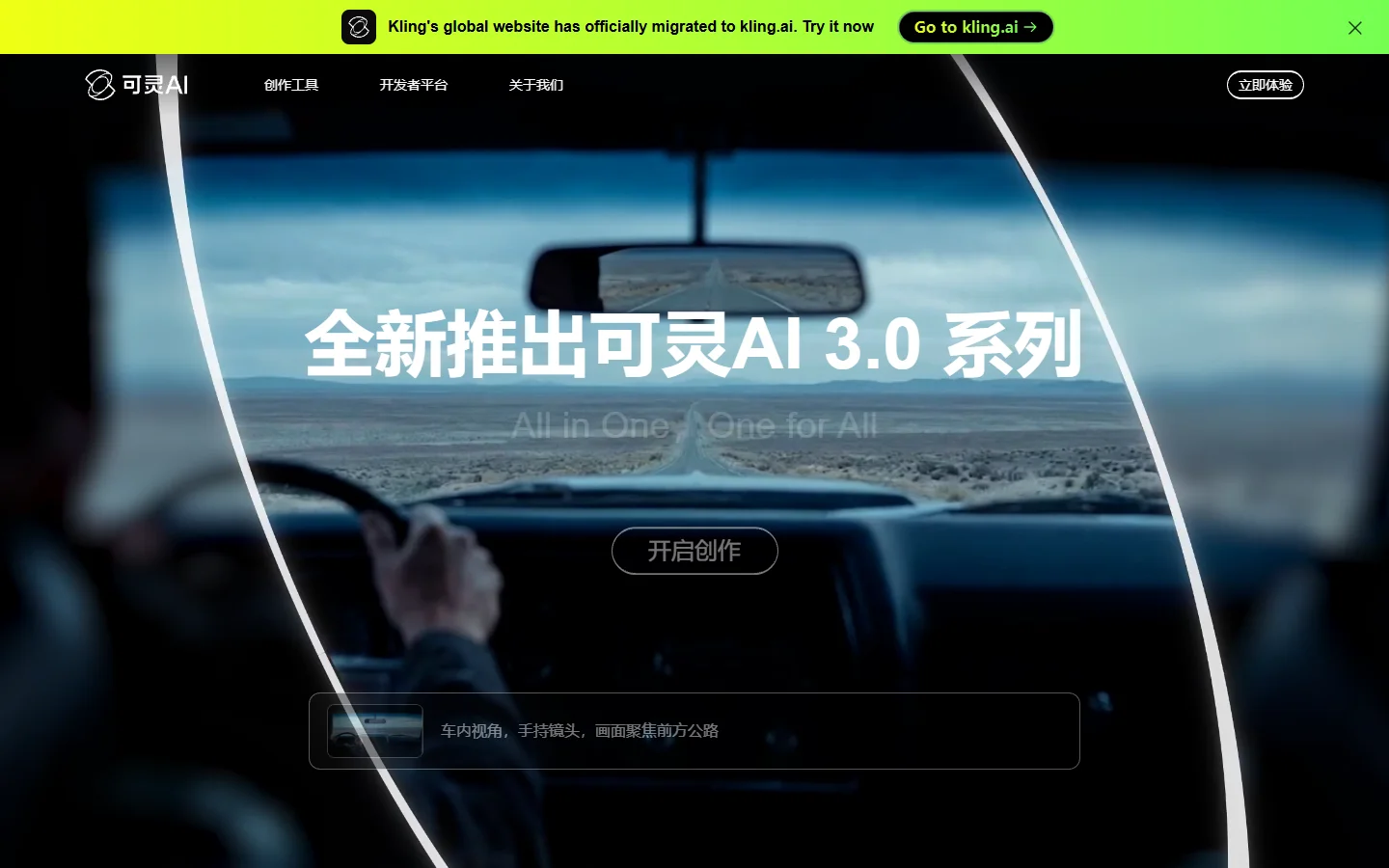
Kling AI 3.0 has made the biggest leap in human motion. Faces stay consistent across cuts, lip sync actually tracks, and skin rendering avoids the uncanny valley that plagued earlier models. For talking-head content, product walkthroughs with a presenter, or any scene where a human face is the focal point, Kling is the strongest option right now. See the Kling 3 Prompts Guide for techniques that get the best results out of this model.
Google Veo 3.1, released in January 2026, pushes resolution to native 4K and ships with synchronized audio generation. Character consistency across longer clips up to 30 seconds is remarkably stable. Where it falls short is accessibility: Veo 3.1 is available through Google's AI Studio and select API partners, but it does not yet have the kind of standalone creative interface most independent creators expect. The Veo 3.1 Overview covers the technical improvements in detail.
Creative Control: Runway Gen-4.5
Runway has always prioritized giving creators direct control over the generation process, and Gen-4.5 continues that trend. This is the tool for filmmakers and VFX artists who need to dictate specific camera moves, lighting shifts, and scene transitions rather than hoping the model interprets a prompt correctly. The Top 5 RunwayML Alternatives article gives useful context on what competing tools do better and worse.
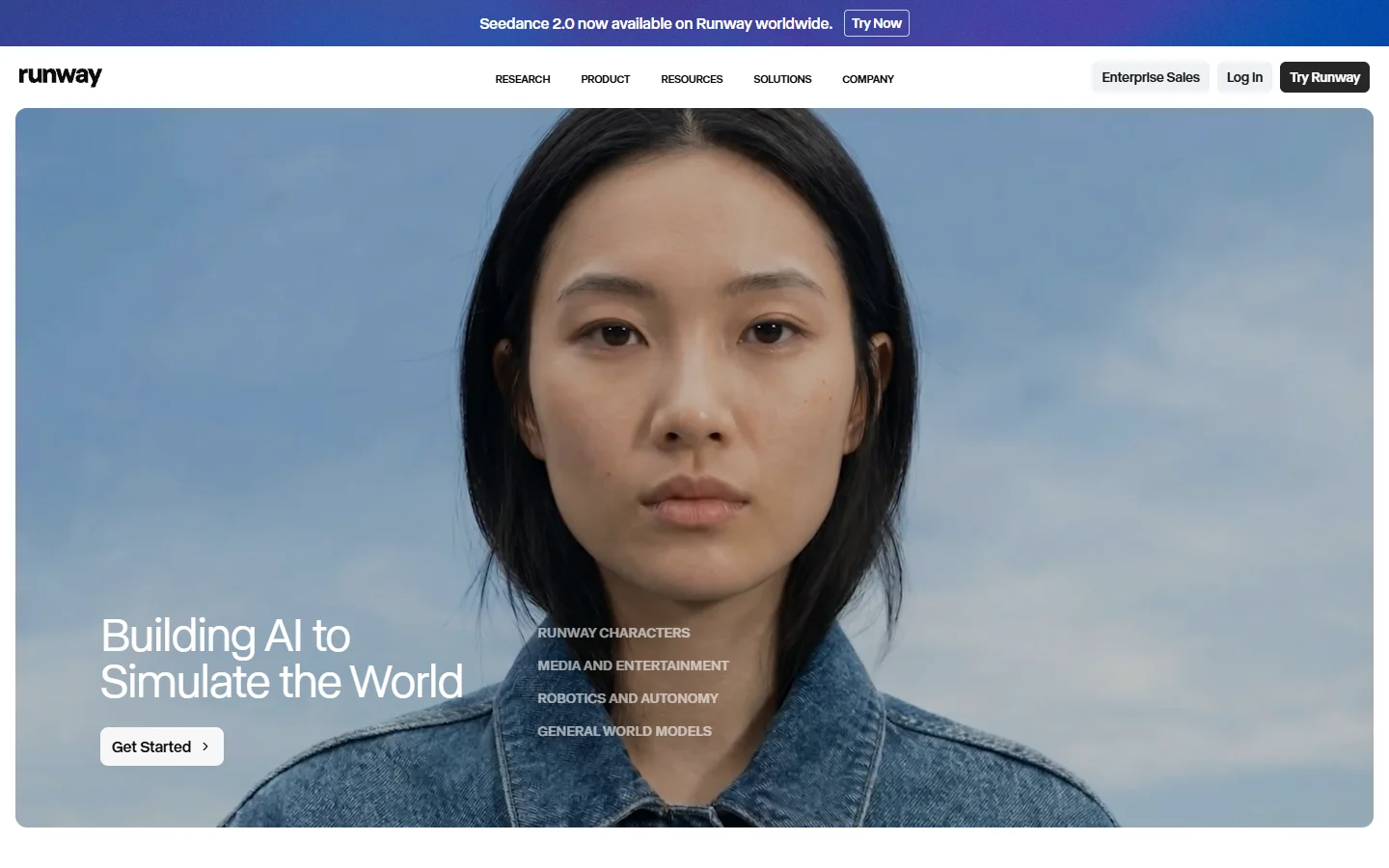
Gen-4.5 accepts image and text inputs, supports keyframe-based camera choreography, and understands film production concepts like beat timing and rack focus. The output resolution caps at 1080p, which puts it behind Veo on paper, but the control tradeoff often makes it the better choice for production work. Pricing sits at the premium end of the market, starting at $15/month for limited generations with serious use requiring the $76/month Pro plan. For professionals billing the output to clients, the cost is justified. For hobbyists looking for a text-to-video AI workflow that handles upstream generation at lower cost, there are leaner options worth testing first.
Speed and Prototyping: Luma Dream Machine and Pika
Not every project needs cinematic polish. Sometimes you need a visual concept in thirty seconds to show a client or validate an idea before committing production resources. The How to Make a Video with Pictures tutorial covers the image-in, video-out workflow that both of these tools support.
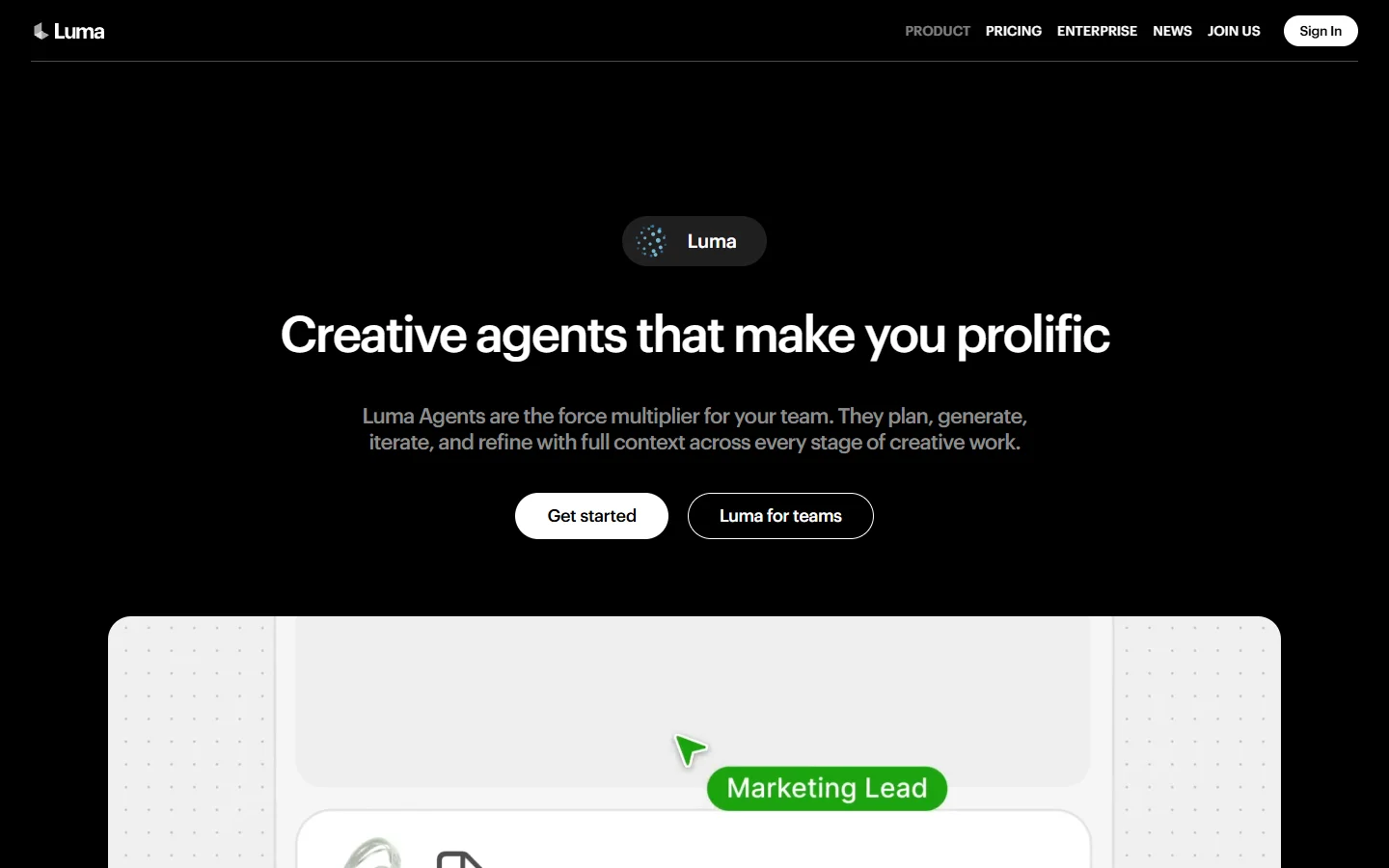
Luma Dream Machine excels here. Generation times average under 15 seconds for a 5-second clip, and the visual quality is consistently above the threshold where it looks "AI-generated" in a negative sense. Dynamic perspective shifts and natural lighting are particular strengths. The How to Use an AI Video Generator covers the fundamentals of prompting these systems if you need a refresher.
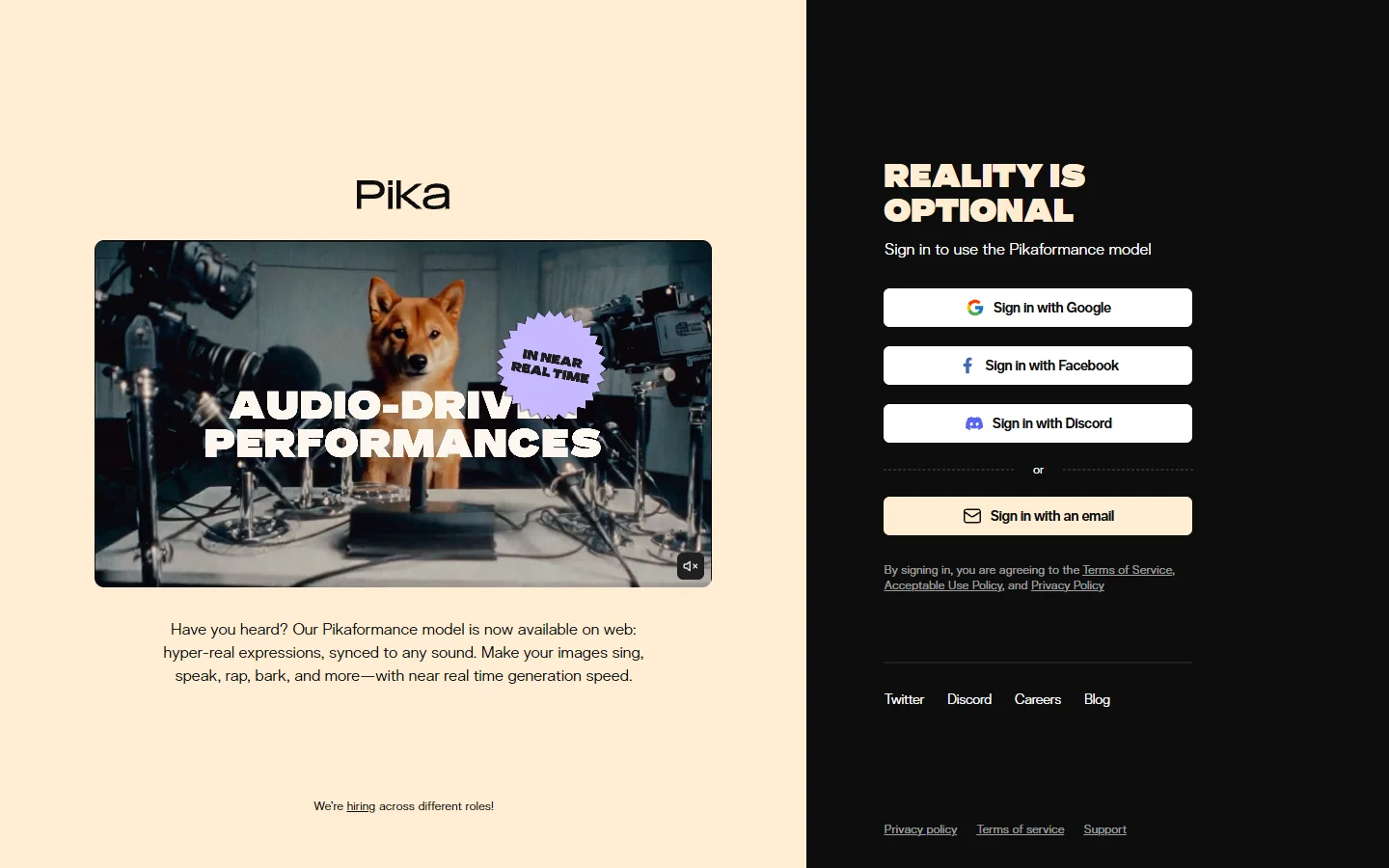
Pika 2.1 focuses on stylized and abstract content. If your project calls for motion graphics, animated illustrations, or surreal visual effects, Pika often outperforms tools optimized for photorealism. The style transfer capabilities are strong, and the free tier is generous enough for casual experimentation. The Top 5 Best Pika Labs Alternatives article is worth reading after you've tested Pika itself.
The Enterprise Tier: Synthesia and HeyGen
Corporate video has its own requirements: brand consistency, multilingual output, avatar-based presenters, and integration with existing content management systems. The Create AI Talking Videos guide covers the talking-head format that both platforms are built around.
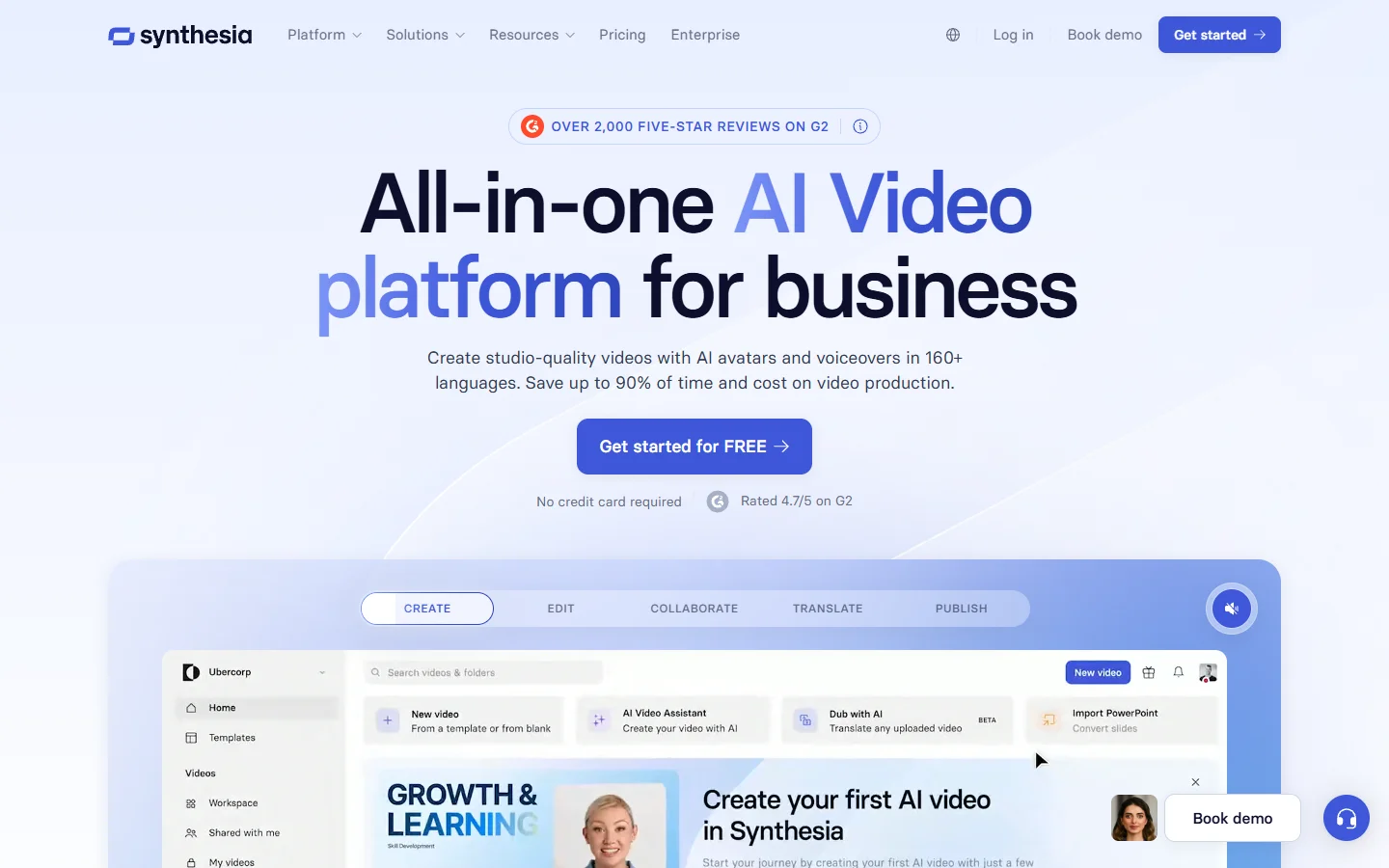
Synthesia remains the dominant player in this category. It offers over 230 AI avatars, supports 140+ languages with localized lip sync, and provides a template-based editor that non-technical teams can use without training. The Top 7 AI Product Video Generators of 2025 article benchmarks Synthesia against more specialized product demo tools if that specific use case is relevant to you.
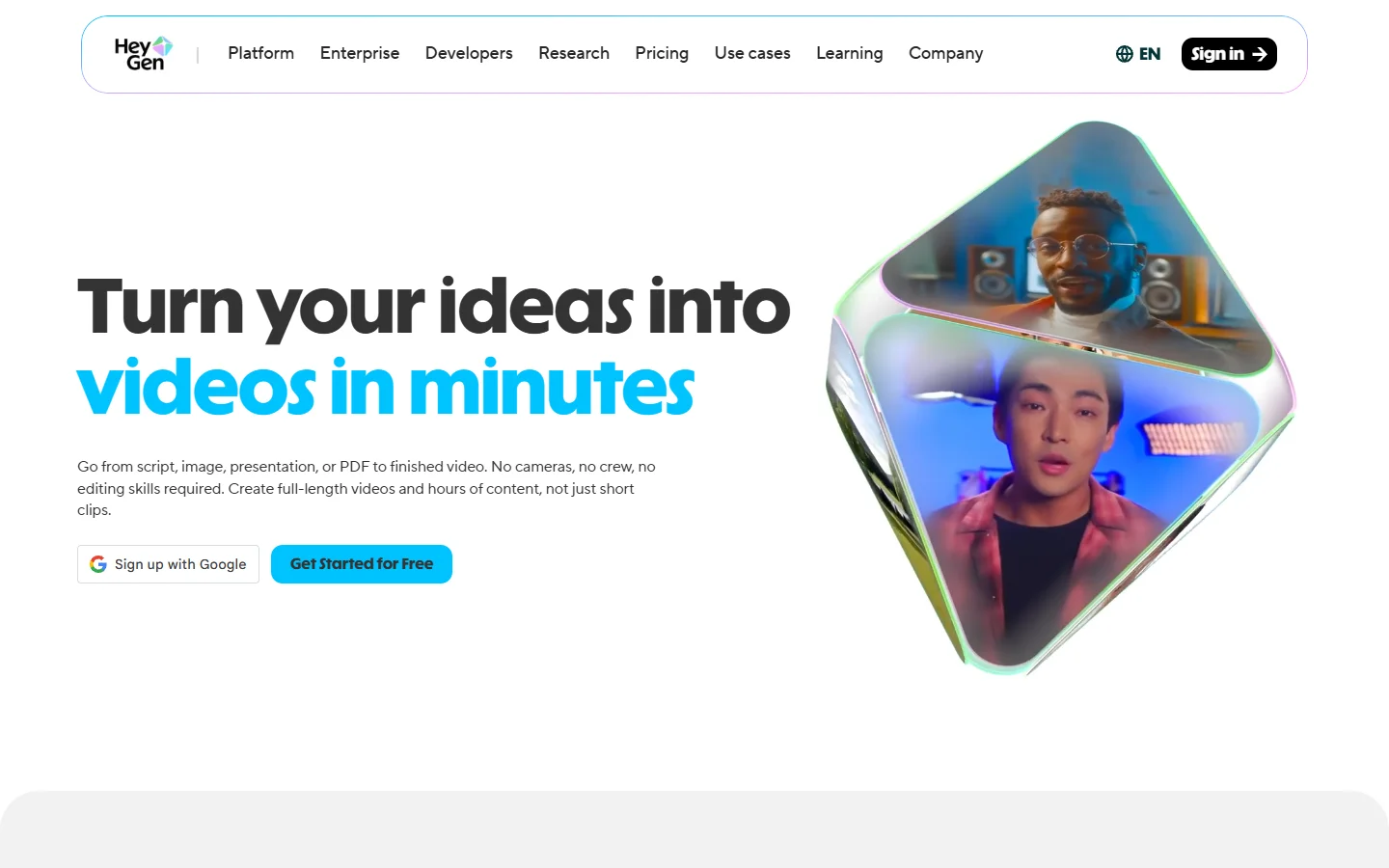
HeyGen competes directly with Synthesia but differentiates on personalization. You can clone your own likeness and voice with a few minutes of sample footage. For founders recording product updates, sales teams producing personalized outreach videos, or educators building course content, the custom avatar approach saves significant time. The How to Create an AI Influencer article shows how creators are using this capability for long-running persona-based channels.
Neither tool is designed for cinematic or creative work. They solve a different problem: producing competent, on-brand video at scale without a production team. The Top AI Avatar Video Generator Tools article covers how avatar-based platforms are being used for short-form social content as well.
The Sora Question
OpenAI's Sora generated enormous attention at launch and delivered genuinely impressive results for complex scene composition. However, OpenAI announced in April 2026 that it will discontinue the Sora web and app experiences, with the API following in September 2026. If you are currently building workflows around Sora, it is worth planning that migration path now. The How to Make Money with Sora 2 article covers monetization strategies worth migrating to alternatives before the shutdown.
Several tools, particularly Veo 3.1 and Kling 3.0, have reached or exceeded Sora's output quality in most categories. The Veo 3 vs Seedance 1.0 Pro comparison shows how the current generation of models stacks up in direct testing.
How to Choose the Right Tool
The decision depends less on which tool is "best" overall and more on what kind of video you are making. The Comprehensive Guide to AI Video Generation with BasedLabs walks through a decision framework you can apply directly to your own brief.
For creators working across multiple generation types, the most efficient approach is often combining tools. Use a node-based canvas for image preparation and asset cleanup, then feed those assets into the video generator that matches your output requirements. The How to Create Those Satisfying AI ASMR Videos tutorial demonstrates this kind of multi-tool pipeline in practice.
Frequently Asked Questions
What is the best free AI video generator in 2026?
Pika offers the most generous free tier for creative work, with daily credits that cover several generations. Luma Dream Machine also provides limited free access. The Best AI Video Generators in 2026 article includes current pricing data that updates as platforms change their tiers.
Can AI video generators produce 4K output?
Google Veo 3.1 is currently the only major platform generating native 4K video. Runway and Kling output at 1080p natively, with upscaling options available through third-party tools. The Veo 3.1 Prompt Guide covers how to push Veo's resolution capabilities to their limit.
How long can AI-generated videos be?
Most platforms cap single generations at 5 to 30 seconds. Longer content requires stitching multiple clips together in an editor. Synthesia is the exception, supporting multi-minute scripted videos through its template system. The High Quality AI Video Generation with I2VGen-XL article covers techniques for chaining shorter clips into longer sequences.
Are AI-generated videos good enough for commercial use?
For many use cases, yes. Product demos, social media content, internal training, and pre-visualization are all viable. Broadcast-quality narrative content still benefits from traditional production augmented with AI rather than fully AI-generated footage. The Top 7 AI Product Video Generators of 2025 covers the commercial tier in more depth.
Which AI video generator has the best motion quality?
Kling AI 3.0 leads for human motion and facial expressions. Runway Gen-4.5 provides the best camera motion control. Luma Dream Machine handles environmental motion particularly well. The Midjourney Video v1 Model First Look offers additional context on how newer entrants are approaching motion quality.
Is Sora still worth using?
Given the announced shutdown timeline, starting new projects on Sora is not advisable. Existing Sora workflows should begin migrating to alternatives like Veo 3.1 or Kling 3.0. The Sora 2 vs Google Veo 3 comparison shows how these replacements perform against Sora's benchmark outputs.
How much do AI video generators cost?
Pricing ranges from free tiers (Pika, Luma) to $30/month for individual plans (Kling, Runway standard) to $76+/month for professional tiers (Runway Pro). Enterprise platforms like Synthesia start around $29/month per seat with volume discounts. The How to Use BasedLabs AI article is a useful reference for understanding what you get from the BasedLabs platform before committing to a standalone video generator subscription.
Conclusion
The AI video generation market in 2026 is no longer about whether AI can make good video. The real question is which tool matches your specific workflow, budget, and quality requirements. Kling AI and Veo 3.1 lead on raw output quality. Runway gives you the most control. Luma and Pika are the fastest paths from idea to visual. Synthesia and HeyGen own the corporate segment. Test two or three options against your actual use cases before committing to an annual plan. The How to Use an AI Video Generator guide is the best single resource to read before spending any money.