 AI TikTok app - Go viral!Go viral on TikTok with AI influencers, pranks & trends. Free iOS app - pay with Apple Pay or card.Get It Free →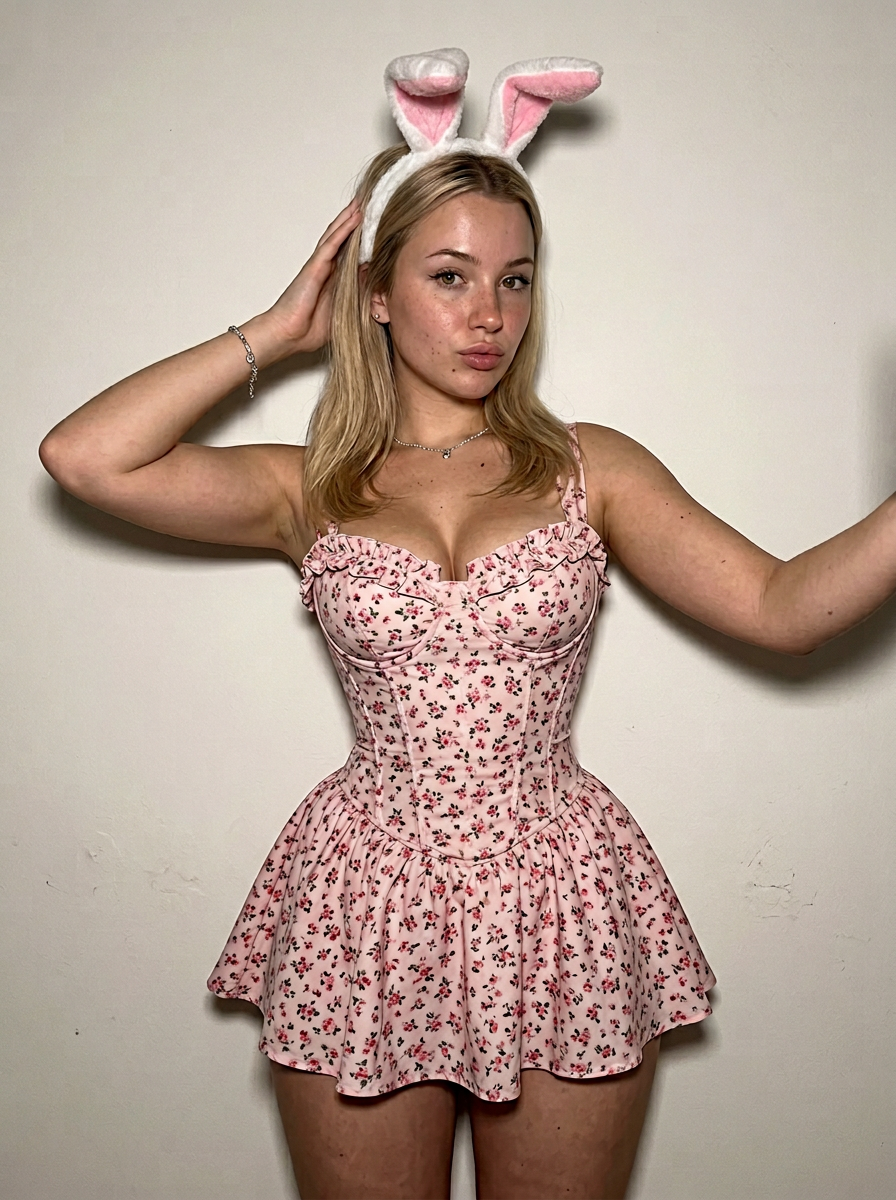
Key elements detected in this prompt and how they shape the output
photorealistic
Style keywords define the visual aesthetic. Placing them early in the prompt gives them more weight.
silhouette
Lighting dramatically affects mood. Combining lighting keywords (e.g., "golden hour + rim lighting") creates depth.
dramatic, raw
Mood keywords guide the emotional tone. They work best when consistent with your lighting and color choices.
8k, sharp focus
Quality keywords push the model toward higher detail output. Most effective with photorealistic and illustration styles.
How to Use This Prompt
- 1Copy the prompt above using the copy button, or click to auto-fill it in the generator.
- 2Select AI as your image model.
- 3Set resolution to 768 x 1024 for best results matching the original.
- 4Click generate. Each run produces a unique variation — try multiple times to explore different results.
Prompt Tips for AI
- Place the most important subject at the beginning of your prompt for maximum influence on the output.
- Combine style, lighting, and mood keywords for more cohesive results.
- Be specific about details you care about and leave room for AI creativity on the rest.
- Try running the same prompt multiple times with different seeds to explore variations.
Prompt
{ "meta": { "quality": "ultra_photorealistic, raw style, 8k", "camera": "iPhone 15 Pro Max", "lighting": "direct harsh camera flash, front-facing light, soft shadows against wall", "style": "amateur selfie, no filter, sharp focus, realistic grain" }, "scene": { "location": "indoor setting, simple plain off-white wall background", "atmosphere": "playful, intimate, soft aesthetic" }, "subject": { "gender": "female", "body": { "type": "hyper-extreme hourglass figure, non-standard proportions, biologically impossible ratio", "breasts": "massive volumetric breasts, heavy full chest, deep cleavage, spilling out of the corset top", "waist": "impossibly tiny waist, snatched waist, extreme corset-like definition", "hips": "wide shelf hips, thick thighs, curvy silhouette, dramatic hip-to-waist ratio" }, "face": { "features": "natural beauty, blonde hair with side part, realistic skin texture, visible pores, light freckles, soft eyeliner", "expression": "neutral, direct gaze, soft pout" }, "outfit": { "description": "floral pink ruffed corset dress with a flared mini skirt, white and pink fuzzy bunny ear headband, dainty silver necklace and bracelet", "fit": "extremely tight, bursting seams, struggling to contain volume, fabric under maximum tension, cinched bodice" }, "pose": "standing, hands raised to head level touching hair, elbows bent outwards, front-facing silhouette" } }
Generation Settings
768 x 1024
Use the same settings to reproduce a similar result. Different seeds produce unique variations.
Creator

michael
Mar 10, 2026
Similar AI Prompts
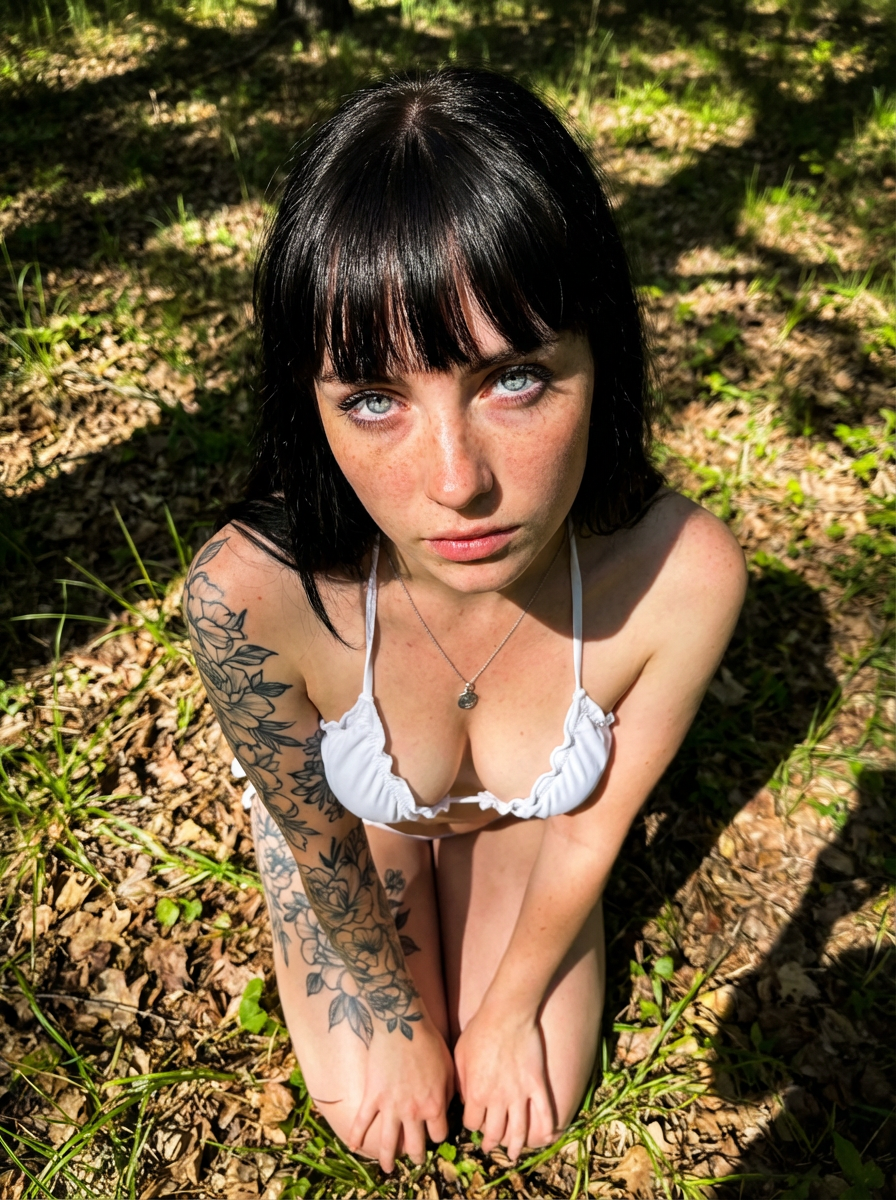
{ "subject": { "description": "A stunning young woman with an alternative cottagecore aesthetic, kneeling on the forest floor, looking up at the...
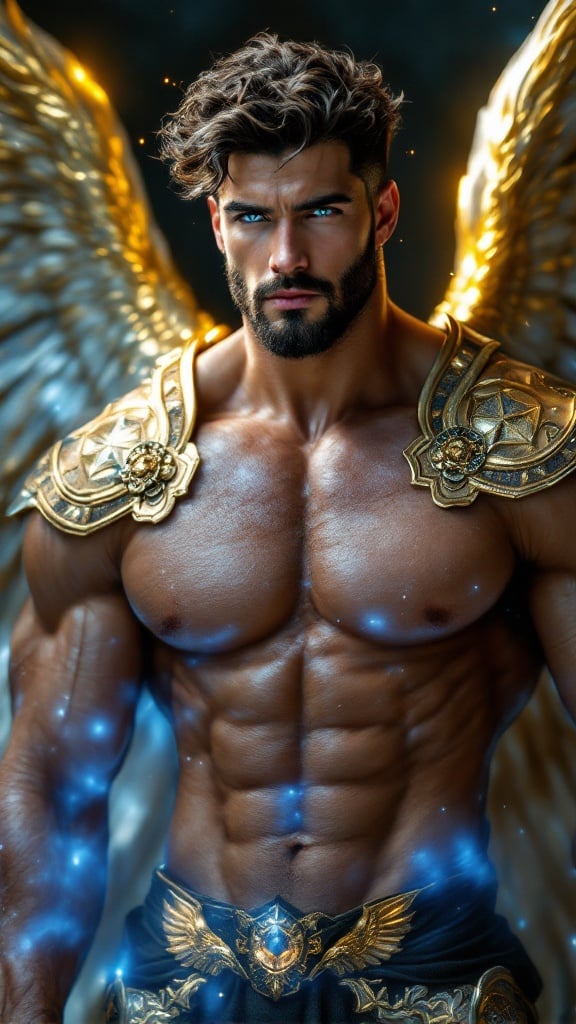
ARCHANGEL, divine celestial guardian of galaxies, ethereal universal warrior. Hypermasculine Caucasian male, heroic proportions, 8 heads tall. Greek g...
How AI Image Prompts Work
AI image generation uses natural language prompts to guide the model. The prompt text above is what was used to create this image. Writing effective prompts is a skill — the more specific and descriptive you are about subject, style, lighting, composition, and mood, the closer the result will be to your vision. You can copy this prompt directly and modify it to create your own variations.
Explore More Prompts
Looking for more AI prompt ideas? Browse our full prompt library with thousands of prompts across models like FLUX, Kling, Nano Banana, and more. Filter by model, style, or media type to find the perfect starting point for your next creation.